










−70%
Clip solution
Standardize your operations. Preserve your know-how.
Generate your work instructions 70x faster. Standardize methods across your teams and secure the transfer of frontline know-how with a platform powered by AI, built for manufacturing.
- No complex overhaul to get started
- Built for frontline adoption
- Works with your existing processes
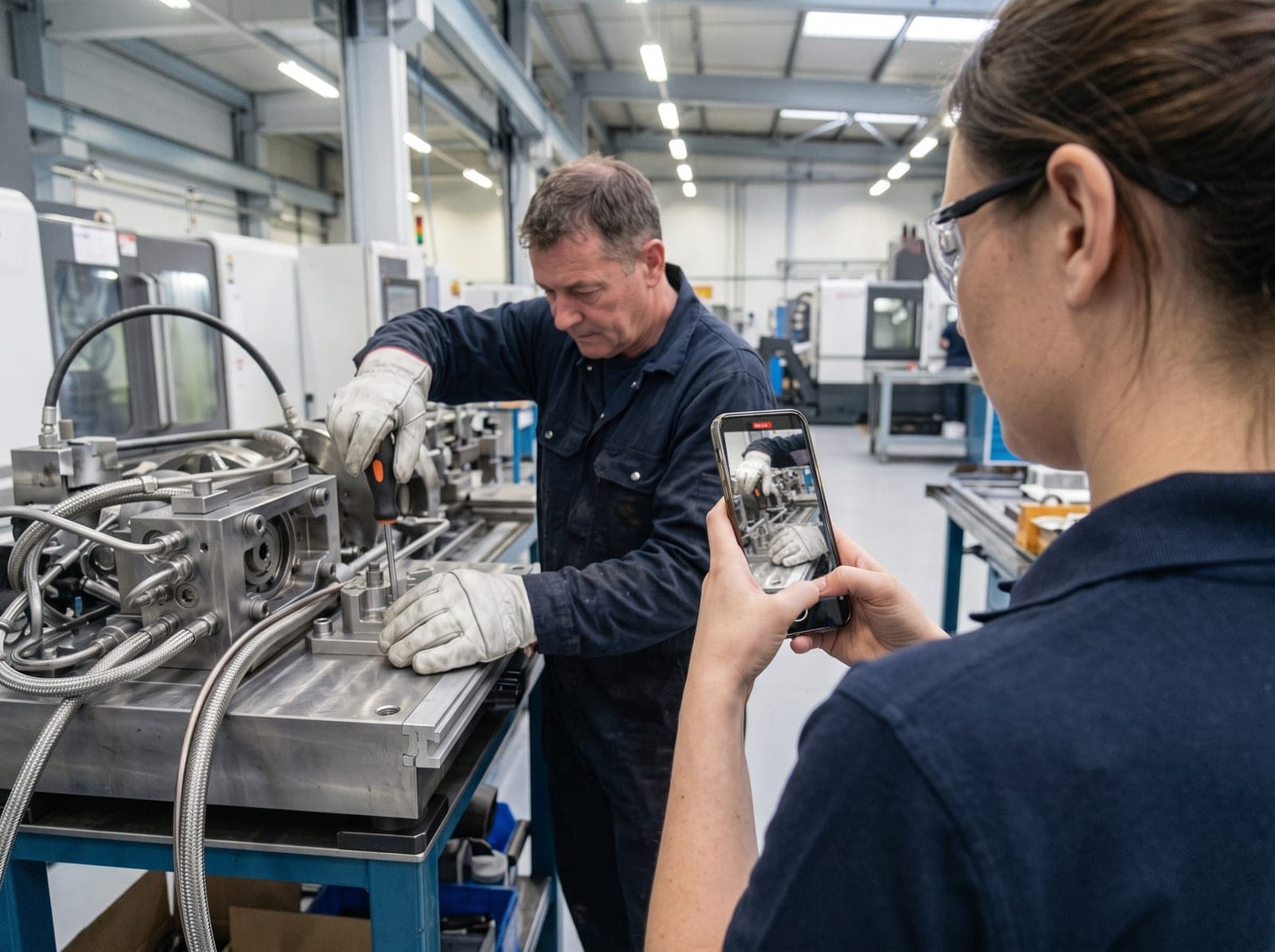
The solution connecting the most factories in Quebec.
The real problem
Know-how is more fragile than it looks.
When an expert leaves, their knowledge leaves the plant too.
 An expert leaves.
- Longer onboarding
- More errors and rework
- Reduced productivity
- Harder standardization
- Reliance on a few experts
A trend that keeps accelerating
By 2028
700,000
skilled workers will leave the Canadian labour market by 2028, taking unwritten standards with them.
Source: RBC
By 2030
25%
of Quebec manufacturing workers will retire by 2030, along with their methods and settings.
Source: KPMG
How it works
Three steps, zero friction
From idea to analytics, without ever opening a word processor.
- 01
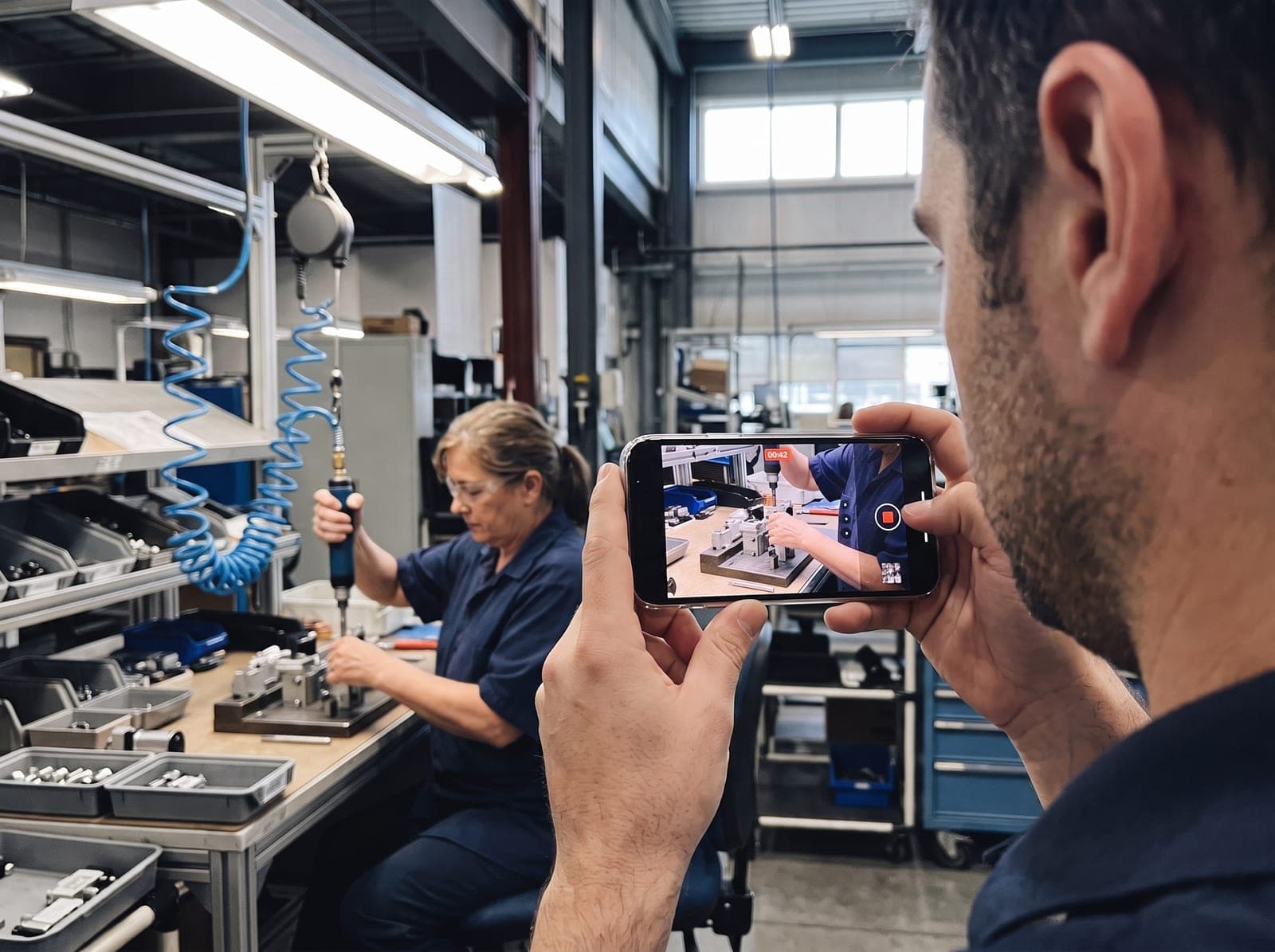
Film the operation
- 02
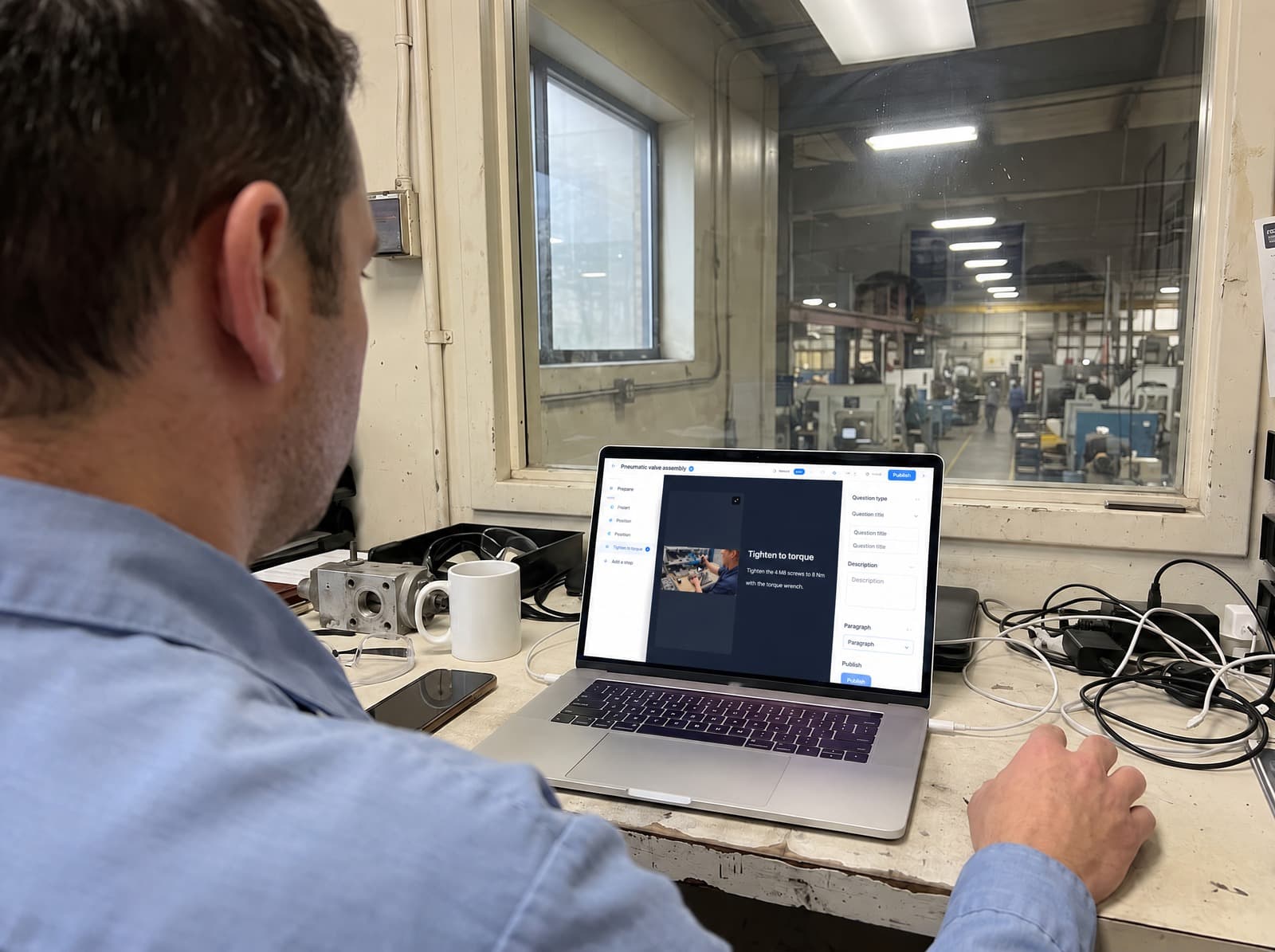
Clip generates the SOP
- 03
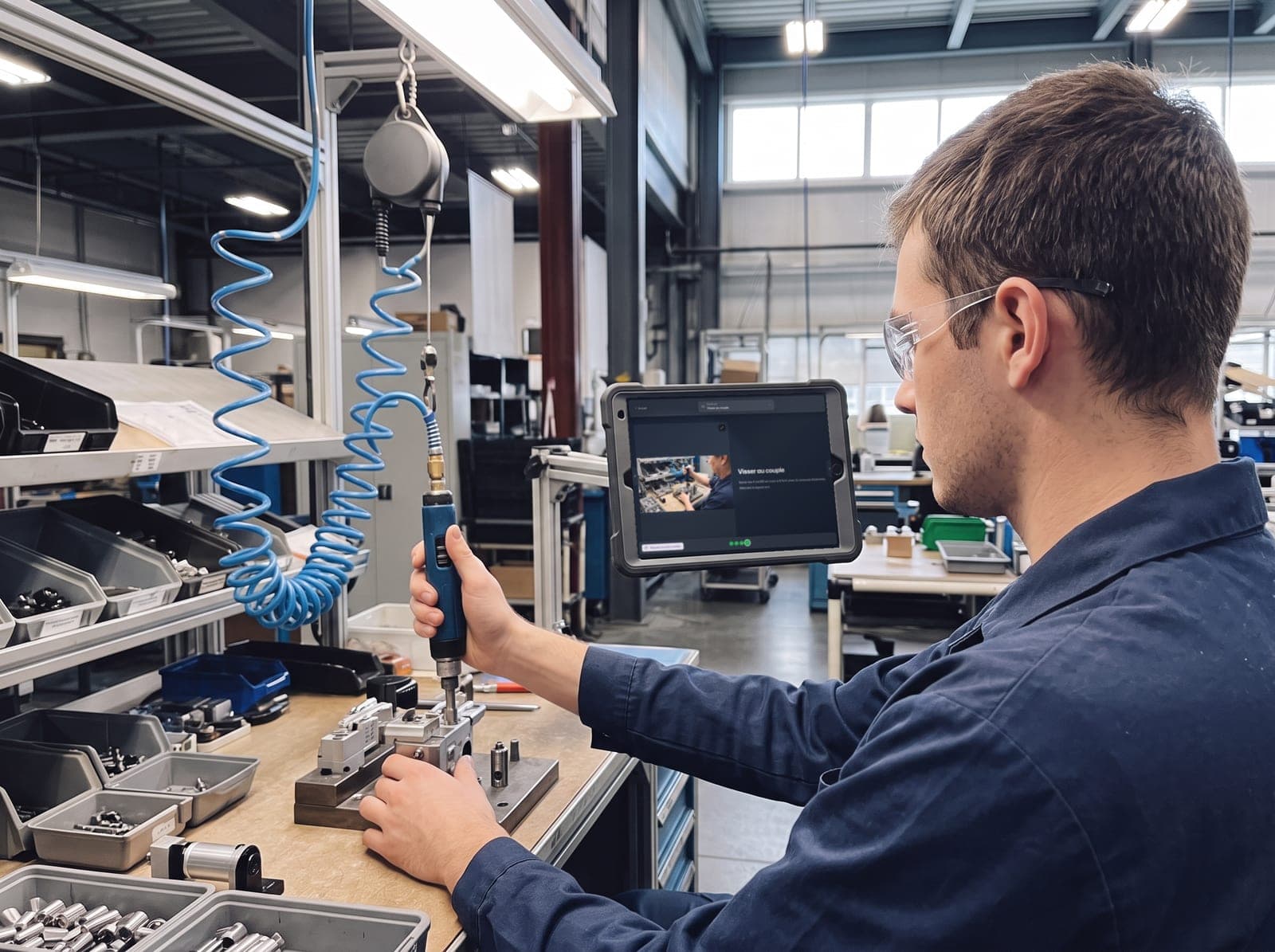
Approve and deploy
Measured impact
Results on the floor
What concretely changes on the floor when methods are standardized and know-how is preserved.
−60%
New operators reach autonomy far faster
+30%
Every team applies the same method
* Average figures based on client case studies.
"CLIP is our future single platform for work instructions."
THE PRODUCT
A work instruction that lives with your plant
A frozen instruction quickly turns wrong: a setting changes, a practice evolves, and the PDF is no longer up to date. Clip keeps every instruction alive, easy to evolve and always aligned with what really happens on the floor.
Start from a base true to the floor
From a simple video of the real operation, Clip generates a clear, structured instruction. The base reflects what actually happens on the floor, not a theory written five years ago.
- Generated from the real, filmed operation
- A structured base, true to the floor
- Videos, photos or documents as input
Video Sources
Drop up to 3 videos for the AI to observe your operations.
Library Editor
Drop your videos here
MP4, MOV · Max 3 files
Videos added (2) (max 3)
1
consignation-presse-04.mp4
84.2 MB•Ready
inspection-filtre-zoneB.mov
112.7 MB•Processing...
Continue
.jpg&w=3840&q=75)
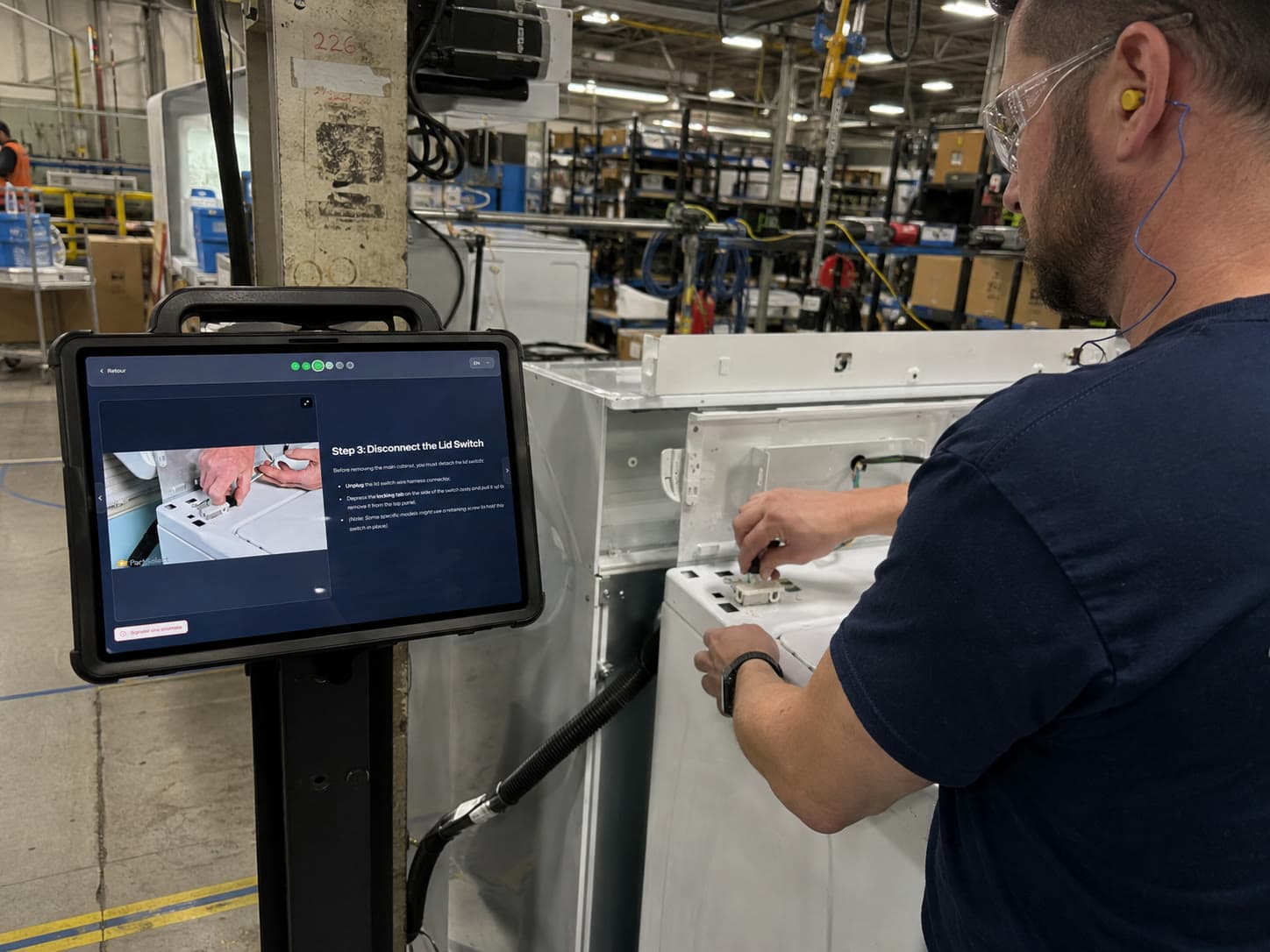
Scale it up
See Clip in actionAccelerate the standardization of your operations
Give your teams clear, up-to-date and measurable standards, while cutting the time it takes to create, maintain and deploy your work instructions.
BUILT-IN QUALITY CONTROL
Quality control, at the heart of the instruction
Validations, deviations and measurements are captured as the work is done, right in the instruction. No need to wait for a floor walk.
- Final checklist & signatureConfirm every critical step was completed, with a signature for approval.
- Measured values & checksTorque, pressure, dimension... captured directly at the relevant step.
- Anomalies & traceabilityThe operator flags a deviation in one tap, timestamped and tied to the version.
- Checklist
- Measured value
- Signature
- Choice
- Scale
Back
FR
.jpg&w=3840&q=75) Ref.: MODULAR I/O 1 port
Ref.: MODULAR I/O 1 portI/O module connection
Tick each point once verified.
Connector seated on MODULAR I/O 1
Locking ring tightened
LINK LED green · STATUS: OK
Report an anomaly
Governance & compliance
A single version of the truth
Every operator always sees the right version. Approvals, history, versions and audits guarantee a single, reliable source for the whole organization: only one instruction is active at a time, never an outdated copy.
Automatic versioning
Roles & permissions
Expiry & renewal
The complete platform
Built for the reality of the factory
Multilingual
Security & roles
Business templates
Tags & classification
Media library
FAQ
Your questions, our answers
Why digitize work instructions in the factory?
Digitizing your work instructions removes outdated paper procedures and ensures every operator always follows the right, up-to-date version, directly at the workstation. On a tablet, the instruction guides execution step by step with photos and videos, standardizes methods across teams, speeds up training and secures the transfer of frontline know-how. Every version is traced, which strengthens factory quality and compliance.
What is the difference between a SOP and a work instruction?
A SOP (standard operating procedure) describes the reference method for an operation, while a work instruction turns that method into concrete, executable steps at the workstation. With Clip, your SOPs become digital work instructions followed on the floor, connecting operations standardization to real execution.
How can I create an industrial SOP faster?
Film the operation or describe it in one sentence: Clip's AI automatically generates a first structured version of the SOP (steps, visuals, checks). You review, approve and deploy it to tablets in minutes, without starting from a blank page. It is up to 70x faster than writing it manually, and it speeds up operator training.
How does the AI handle factory noise in videos?
Our transcription engine filters out ambient shop-floor noise to isolate the operator's or expert's voice, even in noisy industrial environments.
Is video data secure and confidential?
Yes. Your videos and generated procedures are encrypted at rest and in transit, hosted on secure servers, and are not used to train public AI models.
Turn your frontline operations into ready-to-deploy instructions
See how Clip helps your teams capture know-how, standardize methods and track real execution on the floor.
Schedule a Clip demo