



−32%
Instruction errors
The right sequence for the right product: variant errors disappear.

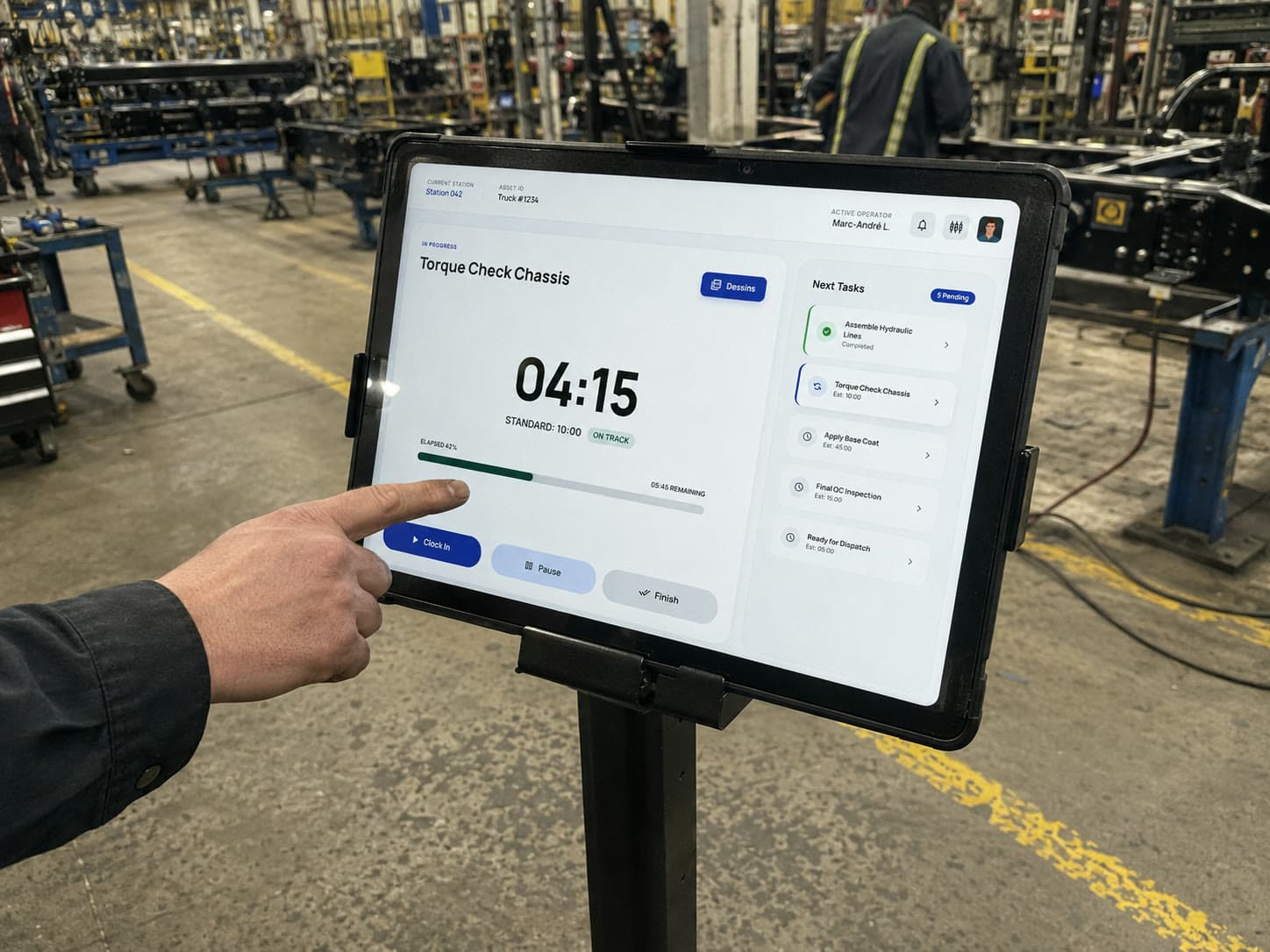
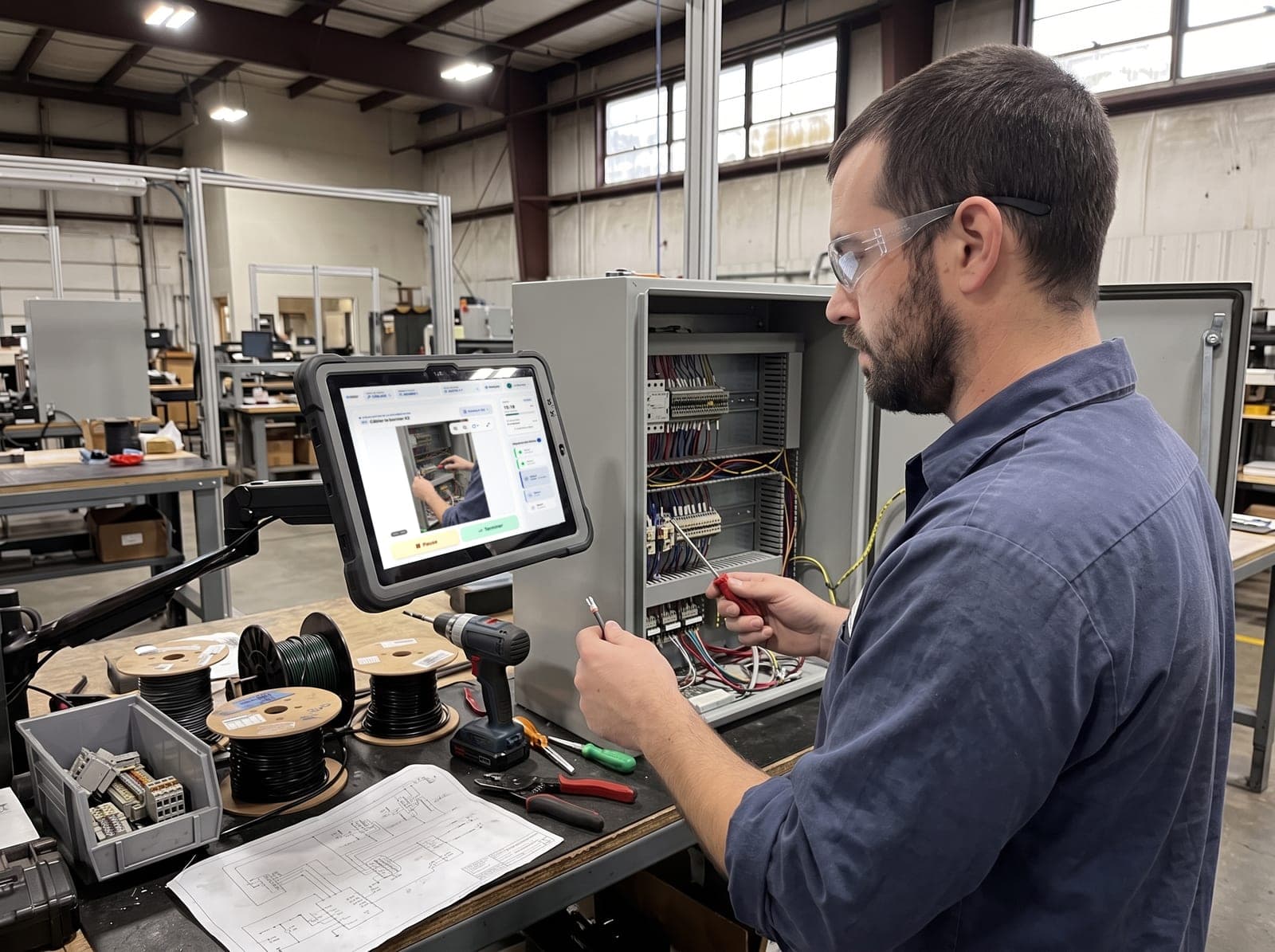
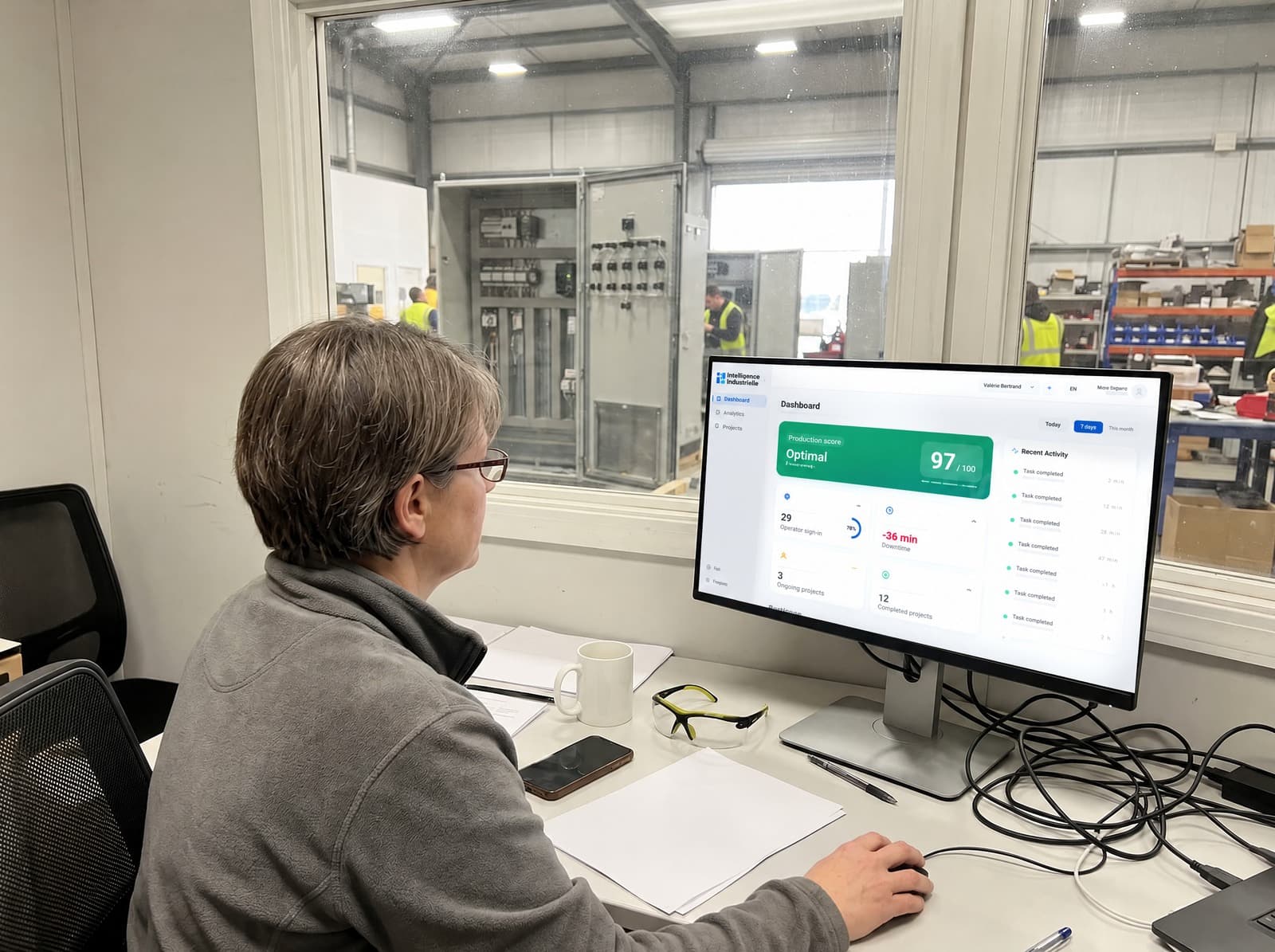
CLOCK replaces Excel and paper with digital sequences connected to your ERP. Operators always follow the right instruction, while supervisors track production and deviations in real time, even without a network.
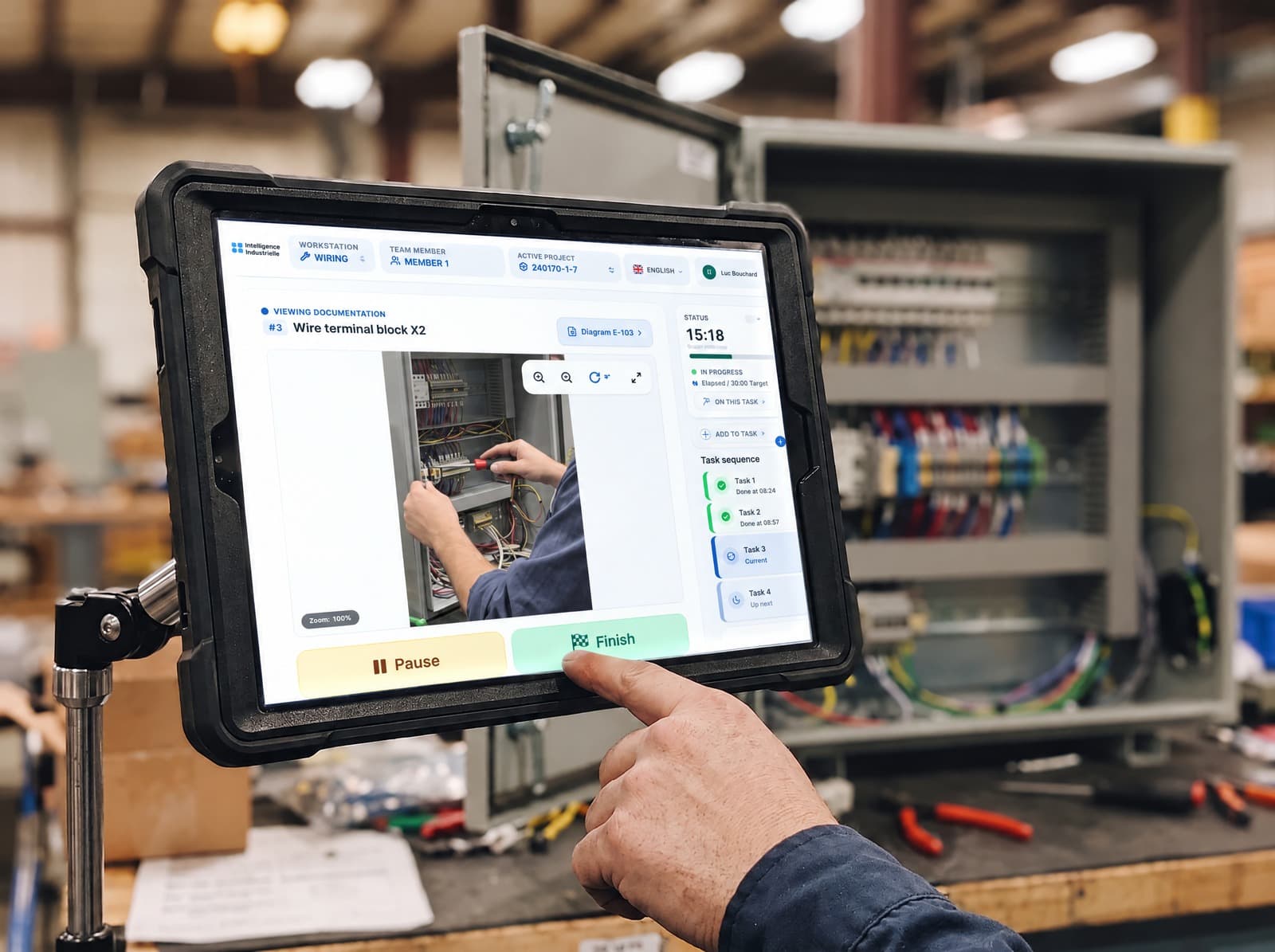
The solution connecting the most factories in Quebec.
Scroll: the scene stays put and the card transforms.
Assembly_sequence_FINAL_v2_v3(2).xlsx#REF!
CLOCK Project #1248, ERP syncedlive
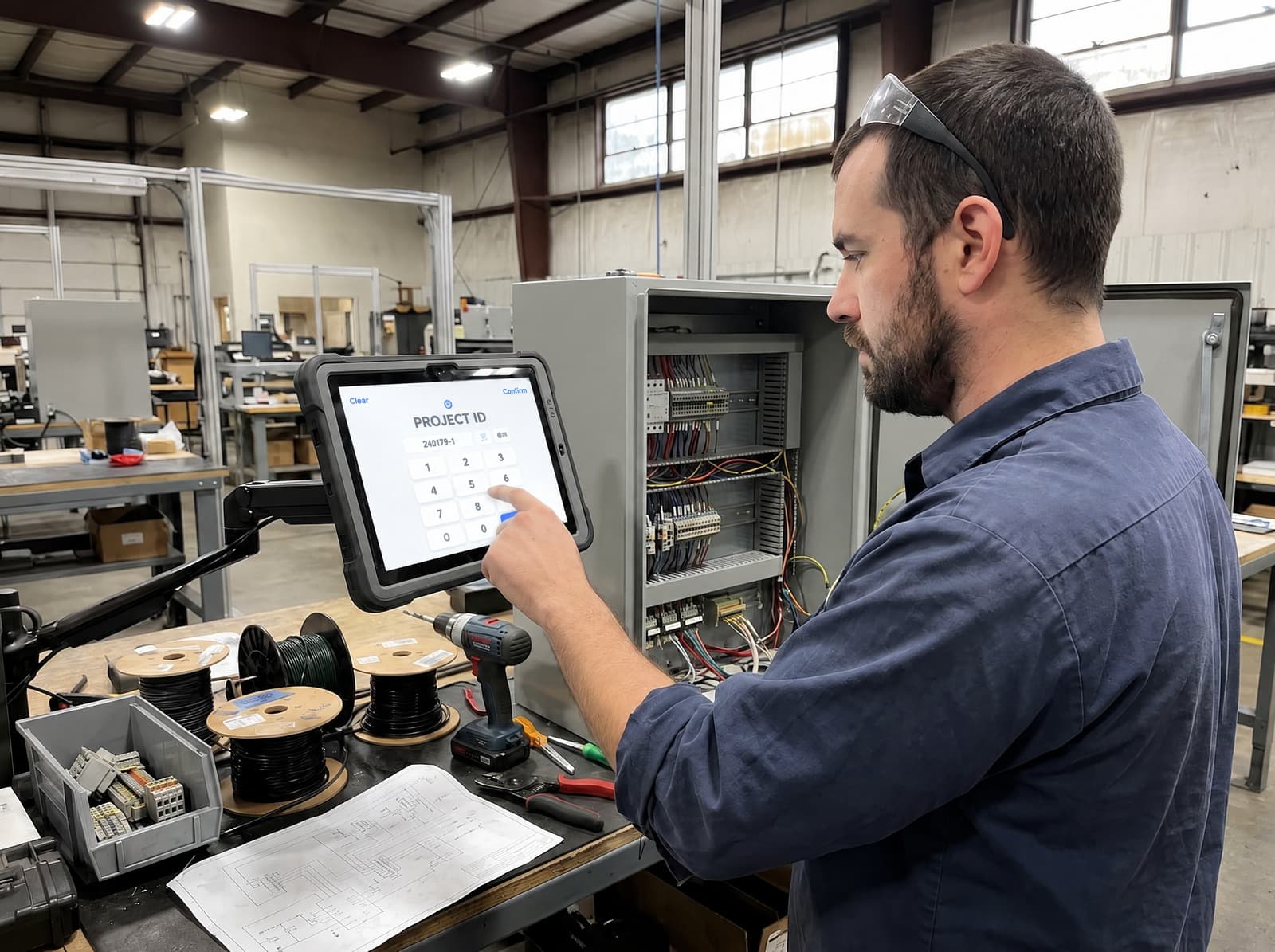
From fewer errors to station availability, the concrete effect on your operations.
The right sequence for the right product: variant errors disappear.
A new operator reaches autonomy twice as fast with guided instructions.
Local storage and offline resilience: the station keeps running even without a network.
CLOCK supports every step of your operations: plan, execute, supervise and improve, all in one platform.
Create a single sequence for all your variants. CLOCK automatically applies the right steps based on your ERP configuration and simplifies standard maintenance.
| No. | Member | Role | Description | Location | Cond. | Media | Min | ||
|---|---|---|---|---|---|---|---|---|---|
| 2.1 | A | Mechanical assembler | Position and bolt the Automizer arm support | Left exterior | 2 cat. | 3 files | 18 | ||
| 2.2 | A | Mechanical assembler | Install the arm hydraulic cylinder | Left exterior | 1 files | 24 | |||
| 2.3 | B | Electrician | Wire the arm electrical harness | Cabin interior | 1 cat. | 2 files | 16 | ||
| 2.4 | B | Mechanical assembler | Torque check and final verification | Exterior | 12 |
Watch CLOCK run one of your sequences live, connected to your ERP, on your own operations.
No more trips to an office workstation: the operator rotates the chassis CAD model, zooms in and selects a part to inspect it, at the right moment, for the right step.
Interactive CAD model: rotate, zoom and select parts by touch.
Tied to the task: the right drawing and model appear with each step.
Autodesk APS rendering online, with a lightweight fallback always available at the station.
CLOCK reads your ERP's product configuration to automatically show the right sequence, filtered per vehicle. Connector or structured import depending on your system, no double entry.
Role-based access, per-environment isolation and data hosted in Canada. The station also runs offline and resyncs when the network returns.
No. CLOCK runs on your existing tablets: one tablet per station, PIN login. No heavy infrastructure required.
Watch CLOCK run one of your sequences live, connected to your ERP, on your own operations.